
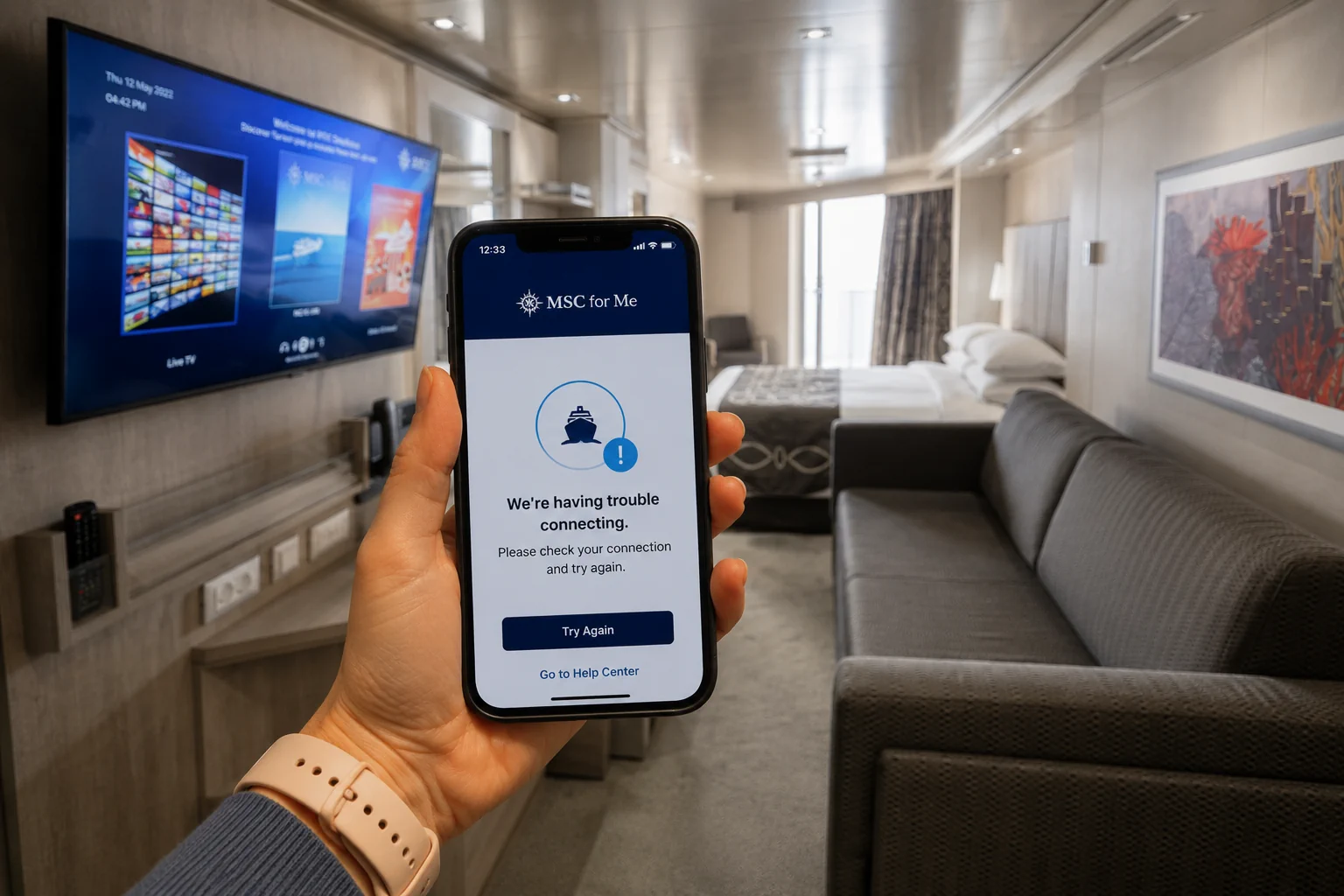
How to Check Onboard Spending in the MSC for Me App
It is surprisingly easy to lose track of how much you are spending during an MSC cruise. Drinks outside your package, specialty dining, arcade games, spa treatments, shopping and other purchases can add up quickly.
Fortunately, you do not have to wait until the end of your cruise to see your bill. The MSC for Me app lets you check your onboard account during the cruise, including purchases and charges that have been posted to your cabin.
Checking it regularly is a good idea – not just for keeping an eye on your vacation budget, but also for catching an incorrect or unfamiliar charge while you are still onboard and can easily visit Guest Services to have it reviewed.
Quick Answer: Where to Find Your Spending
Once you are connected to the ship’s Wi-Fi and logged into the MSC for Me app, look for the section showing your onboard account or expenses. From there, you can review the charges associated with your cruise account and see what has been added throughout the sailing.
The exact wording and location can vary somewhat depending on the version of the MSC for Me app and the ship, so below we’ll walk through where to look and what you can expect to see.
The short answer
MSC for Me can track cruise-card spending, onboard credits, your balance and payment details. The official MSC for Me page says the expense summary updates live and the official statement can be downloaded during the cruise. Charges become visible once they have been entered into the onboard system and your phone is connected to the ship’s Wi-Fi.
The exact menu name or screen position can change with the app version, ship or sailing. Look for the onboard account, expenses, spending or statement area rather than relying on one fixed tap path. If you are still preparing for the trip, use our complete MSC for Me app guide and set up MSC for Me before your cruise so your booking and account are linked before embarkation.
How to check onboard spending in MSC for Me
- Connect your phone to the ship’s Wi-Fi. A paid internet plan is not required for MSC for Me, but the phone must be on the onboard network.
- Open MSC for Me and sign in to the onboard profile connected to your cruise card and cabin.
- Open the account, expenses, spending or statement area shown in your version of the app.
- Review the current balance, onboard credits and posted charges. If your cabin shares one folio, check the guest name attached to each charge.
- Open or download the onboard statement when you want a fuller summary, especially before disembarkation.
If the app will not connect, start with our Wi-Fi guide for MSC for Me. Connecting to the ship’s Wi-Fi is different from buying access to the public internet.
What the onboard statement shows
The onboard statement summarizes expenses charged through your cruise card. It can include:
- The date and amount of each posted charge
- The ship’s onboard currency
- Applied onboard credits
- The total account balance
- Payment details
- Grouped categories such as excursions, photos, entertainment and internet
Common cruise-card charges may include specialty dining, beverages, spa treatments, shore excursions, onboard shopping and internet purchases. If a restaurant or beverage charge is unclear, the MSC dining guide and MSC drink package guide can help you compare what was included with what was charged.
What the statement does not show
The onboard statement is not a fully itemized receipt. A restaurant total, for example, may not list every food or drink purchased. Some charges are also grouped under a broader label.
Purchases paid directly with a credit or debit card at an onboard shop are processed separately. They will not appear in the cruise-card statement, so keep the receipt from the shop and check the card account separately.
A bank preauthorization is also different from an onboard charge. If you registered a payment card, your bank may show temporary holds that reserve available funds. Those holds are not additional MSC purchases. MSC says the bank controls when they disappear, and the timing can vary.
For more context on likely charge categories, see what costs extra on MSC Cruises.
When charges appear and how often to check
A charge should become available in MSC for Me after it is entered into the ship’s system, provided you are logged in through the onboard Wi-Fi. That does not mean every purchase will appear the instant you tap your cruise card. The venue or onboard system may still need to post it.
We recommend checking at four useful points:
- After your first full day, to confirm the account and credits look right
- Midway through the cruise, to catch budget drift or package confusion
- On the final evening, when there is still time to ask about a problem
- Before you leave the ship, to download the latest statement
Checking every few hours usually adds more stress than value. A daily check is enough for most guests unless you are watching a tight budget or investigating a specific purchase.
Family, cabin and child spending
People in the same cabin generally use one folio tied to a default payment card, with spending broken down by person. Check the guest name beside each entry before assuming a charge is wrong. Visibility can vary with the responsible payer, account setup and app version, so another adult’s separately managed account may not appear exactly as expected.
Children can use their cruise cards for onboard purchases. A child’s spending limit must be set or changed at Reception – Guest Services, not in MSC for Me. Parents can then monitor the child’s posted spending in the app. MSC’s children and teens FAQ also warns that choosing not to set a limit authorizes the child’s onboard purchases.
Download the statement before leaving the ship
Do not wait until you are home. MSC recommends downloading the statement before disembarkation because it will no longer be available in MSC for Me after you leave the ship.
If you forget, the guest who paid the onboard expenses can request a copy from MSC Customer Service. For U.S. bookings, MSC currently directs that guest to postcruisesupport@msccruisesusa.com and asks them to include the booking number. Recheck MSC’s onboard payment guidance before relying on that contact, since support routes can change.
What to do if a charge looks wrong
First, confirm that your phone is still connected to the ship’s Wi-Fi and refresh the account. Then check whether the purchase was made with the cruise card or paid directly by credit or debit card. Review any receipt, package inclusion or onboard credit that may explain the amount, and make sure the charge is assigned to the right guest.
If the charge is still unfamiliar or incorrect, take it to Reception – Guest Services while you are onboard. Bring the app entry, statement and any receipt you have. It is easier to investigate a venue, time and guest while the ship’s records and staff are immediately available.
Do not wait until after disembarkation for a problem you can see during the cruise. Post-cruise support can provide a statement copy, but resolving a disputed onboard charge may take longer once the sailing has ended.
If MSC for Me does not show your account
The in-cabin TV is a useful backup on equipped ships. MSC says the cabin TV can display cruise-card purchases and onboard activities during the sailing. You can also ask Guest Services to review the folio.
For app login, booking-link or connection problems, follow our MSC for Me troubleshooting guide. Keep this spending check focused on the folio itself rather than repeatedly changing account settings while onboard.
Frequently asked questions
Do I need a paid Wi-Fi package to check spending?
No. MSC for Me uses the ship’s Wi-Fi for onboard features, and MSC says no paid internet package is required. Your phone still needs to be connected to the onboard network.
Can I see spending from everyone in my cabin?
Generally, one cabin follows the same folio, charges are broken down by person and one default card pays the account. Actual visibility can depend on who is the responsible payer and how the accounts are linked.
Can I set a child’s spending limit in the app?
No. Set or change the child’s limit at Reception – Guest Services. You can monitor posted spending in MSC for Me afterward.
Why is a card purchase missing from the statement?
If an onboard shop charged your credit or debit card directly, the purchase bypassed the cruise-card account and will not appear on the onboard statement. Use the shop receipt and card record instead.
Can I download the statement after the cruise?
Not from MSC for Me. Download it before leaving the ship. If you missed it, the paying guest can request a copy from MSC Customer Service with the booking number.
Is a credit-card hold an extra MSC charge?
Bottom line
Use MSC for Me as a daily warning system, not as your only receipt file. Connect to the ship’s Wi-Fi, check the right guest and payment account, save shop receipts for direct card purchases, question problems while you are onboard and download the statement before disembarkation. That routine gives you the best chance of leaving the ship without a surprise final bill.