
Choosing the right internet package on a cruise can feel like trying to navigate a ship through a fog bank without a compass. You don’t want to overspend on bandwidth you won’t use, but you also don’t want to be stuck staring at a loading icon while trying to send a simple “we’re alive” photo to the family group chat.
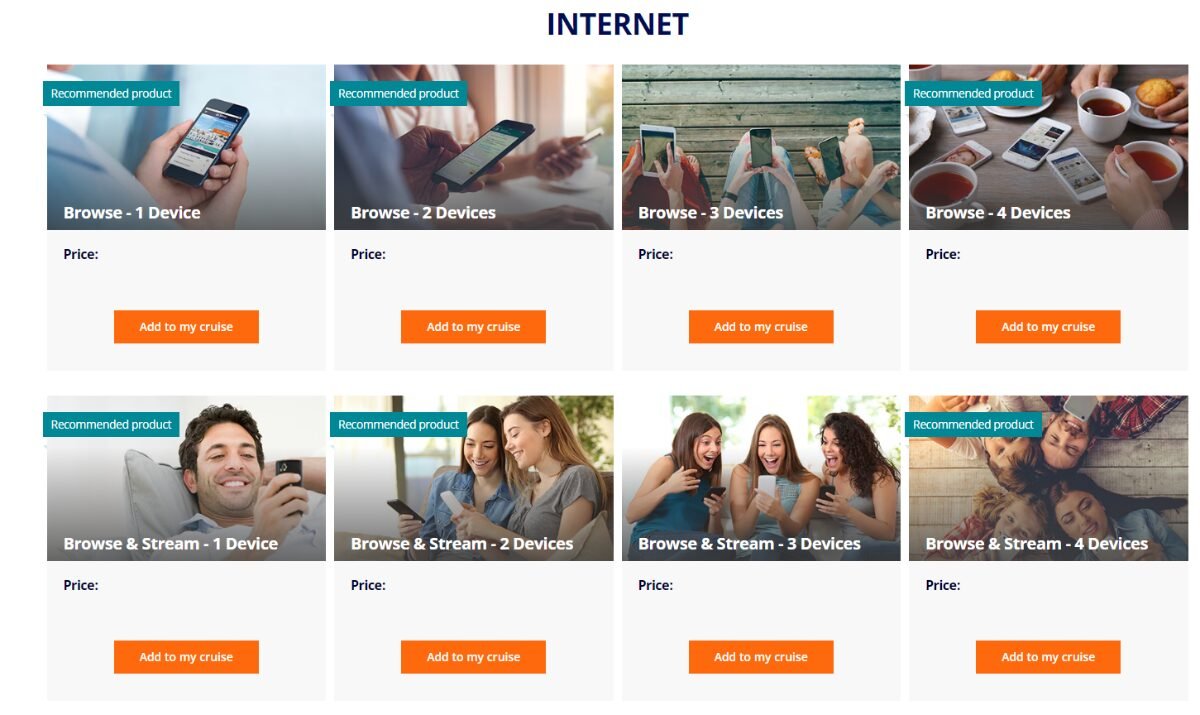
MSC Cruises keeps it relatively simple with two main tiers: Browse and Browse & Stream. However, the devil is in the details—specifically regarding device locks and multi-device discounts. This guide breaks down exactly what you get, what it costs, and which one actually fits your vacation style.
MSC Wi-Fi: The TL;DR
If you’re in a hurry to get back to packing, here is the “Quick Choice” guide:
- Choose Browse if: You only need to check emails, scroll through social media, send text-based messages (WhatsApp/Messenger), and post the occasional vacation photo.
- Choose Browse & Stream if: You plan on video calling (FaceTime/Zoom), streaming movies (Netflix/YouTube), or uploading a lot of video content to TikTok or Instagram Stories.
- Pro Tip: If you plan on using both a phone and a laptop, buy a 2-device package upfront. MSC prices multi-device packages with significant savings compared to buying two separate single-device plans later.
For full pricing ranges and bundles, see our MSC Wi-Fi Guide for a deep dive into the logistics.
Browse vs. Browse & Stream: The Core Comparison
At first glance, the two packages look similar, but the performance ceiling is what sets them apart. Here is how they stack up:
| Feature | Browse Package | Browse & Stream Package |
| Web Browsing | Yes | Yes |
| Email & Images | Yes | Yes |
| Chat Apps (Text/Photo) | Yes | Yes |
| Video Calling | No | Yes |
| Video Streaming | No | Yes |
| Best For | Casual staying in touch | Remote work & Entertainment |
What “Browse” is Really Good For
MSC describes Browse as the “stay in touch” tier. In plain English, this is for the cruiser who wants to remain tethered to the real world without being consumed by it.
- Messenger Apps: While MSC doesn’t individually guarantee every app by name, services like iMessage, WhatsApp, and Facebook Messenger generally work well for text and photo sharing.
- Social Media: You can scroll your feed and post photos. Just be aware that because this tier is lower priority, high-resolution photo uploads might take a minute during “peak” sea day hours.
What “Browse & Stream” Adds
This is the “no compromises” tier. If your cruise includes a “FaceTime the kids” ritual or a “Zoom check-in” for work, you need this package.
- The Streaming Reality: This tier allows for Netflix, YouTube, and Amazon Prime. It’s the essential choice if you have kids who need their Disney+ fix during cabin downtime.
- Remote Work: If you are trying to pull off a “Work From Sea” stint, this is the only viable option.
What Does MSC Wi-Fi Cost? (Typical Pricing)
MSC pricing is dynamic—it fluctuates based on the ship, the length of the sailing, and whether you buy it before you board. Always buy pre-cruise if you can.
| Package Type | Pre-Cruise (Estimated) | Onboard (Estimated) |
| Browse (1 Device) | ~$16–$20 / day | ~$22–$26 / day |
| Browse & Stream (1 Device) | ~$24–$28 / day | ~$32–$38 / day |
Disclaimer: These are estimated ranges. Actual prices vary by sailing.
The Multi-Device Discount
One of the smartest moves you can make is bundling devices. MSC explicitly promotes savings for multi-device packages. Usually, a single 2-device package for a couple costs significantly less than buying two separate 1-device packages. If you and your cabin mate both want access, buy the “2 Device” version of your preferred tier under one name.
The Rules That Matter More Than the Package Name
Choosing the tier is only half the battle. To avoid frustration onboard, you need to understand the “fine print” of how MSC’s policies and how they manage their network.
1. The “Device Lock” (The Big Gotcha)
This is the most common point of confusion. Once you log in to the Wi-Fi with a specific device (e.g., your iPhone), that package is locked to that device for the rest of the cruise. You cannot “log out” of your phone and “log in” on your laptop to share a single-device plan.+1
Trusted Friend Advice: If there is even a 10% chance you’ll want to use your laptop to check work or a tablet to watch a movie, buy a 2-device package from the start.
2. Upgrades are Simple; Downgrades are Impossible
If you start with the Browse package and realize it’s too slow for your needs, MSC makes it very easy to upgrade to Browse & Stream. You simply pay the price difference for the remaining days of your cruise. You can also add more devices to your plan mid-cruise.
However, you cannot downgrade. If you buy Browse & Stream and realize you’re only sending texts, you won’t be able to get a refund for the price difference.
3. Drinks + Wi-Fi Bundles
MSC frequently offers “Easy Plus + Wi-Fi” or similar bundles. These are often great values, but keep in mind that the Wi-Fi included in these promos is almost always the Browse (non-streaming) tier for one device per person.
Related: Drink Package + Wi-Fi bundles: when it’s actually worth it
Practical Scenarios: Which One is You?
Scenario A: The Casual Messenger
You want to check the news in the morning, send a few “wish you were here” photos to friends, and keep an eye on your emails.
- Verdict: Browse is plenty. You don’t need the extra speed for these low-bandwidth tasks.
Scenario B: The Content Creator / Streamer
You’re filming Reels or TikToks of your excursions and want to upload them daily. You also like to fall asleep to a movie on Netflix.
- Verdict: Browse & Stream is mandatory. Video uploads on the standard Browse plan will be painfully slow or may time out.
Scenario C: The “Only for the App” Cruiser
You want to see the daily schedule, book specialty dining, and message your family members who are also on the ship.
- Verdict: Skip the paid Wi-Fi. You can use the MSC for Me app for free by connecting to the ship’s network (without buying a package). It includes a chat feature to talk to other guests on the ship.+1
A Note for Techies: Tethering and Routers
We see this question a lot: Can I buy a 1-device package and share it using a travel router or phone hotspot?
The short answer: It’s a gamble. MSC’s systems are designed to detect and block many types of sharing and tethering. While some cruisers report success with specific travel routers, others find it’s a constant battle of resets and technical hurdles. We’ve had personal success using a phone hotspot, but we also wouldn’t count on this if its absolutely neccessary.
We only recommend this if you’re a technical user who enjoys the challenge. For everyone else, the “backup plan” of just buying the right number of devices is much better for your blood pressure.
Final Thoughts
The Browse package is the workhorse of MSC’s internet offerings—it’s what most people need. But the Browse & Stream package is a lifesaver for those who can’t live without video. Just remember: Pre-purchase your plan and respect the “Device Lock.”
Would you like me to help you calculate the exact cost for your specific ship and sailing date?